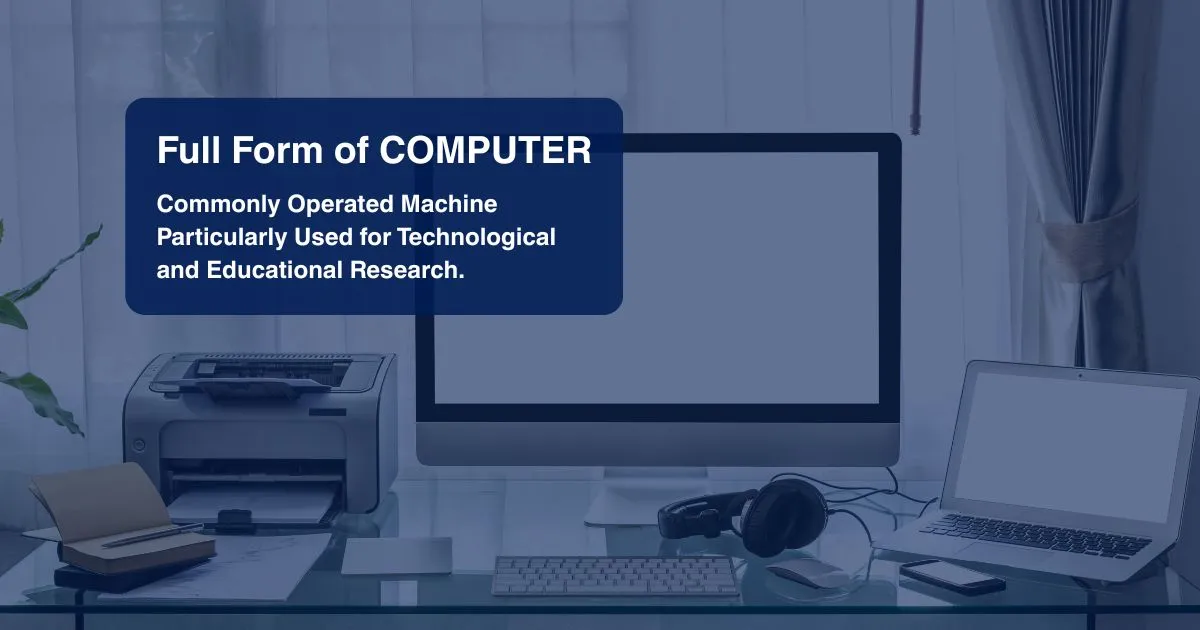
While the term is used daily, the computer full form is often discussed in learning environments to highlight the system's core purpose. It serves as a way to describe how these machines accept input, process information, and provide organized results.
Modern systems have moved far beyond simple calculations, now handling vast amounts of data and supporting global communication.
Understanding such fundamental terms and related abbreviations helps build a clear technical foudation for anyone entering academic or professional fields.
What is the Full Form of Computer?
The term computer comes from the Latin word computare, meaning to calculate. While it is a standalone word, many learning environments often mention the computer full form as “Commonly Operated Machine Particularly Used for Technological and Educational Research.”
Note: This is not an official technical acronym but a descriptive expansion used to illustrate the system’s role in modern society. It highlights how these machines are utilized for data handling and structured research across various professional fields.
What is a Computer?
After understanding the computer full form, it is essential to look at what the machine actually does. A computer is an electronic device designed to process information by following a set of programmed instructions. It receives raw input, processes it, and generates results in a usable format.
Its core strengths are accuracy and the ability to execute complex, repetitive tasks at incredible speeds. Beyond simple calculations, computers manage diverse operations like media rendering, communication, and logical decision-making.
These devices are categorized by their capacity and purpose. This includes everything from everyday personal devices like laptops and smartphones to large-scale machines used for high-level research and data analysis.
Broadly, the system consists of two broad categories: Hardware, which includes the physical parts, and Software, the instructions that direct the hardware's actions.
Also read: Best Computer Courses After 12th
Components of a Computer
To understand how these machines function, one must look at their physical and logical building blocks. Each part contributes to the overall efficiency of the system.
The following table provides a breakdown of the primary hardware components:
| Component |
Function |
| Central Processing Unit (CPU) |
Processes all instructions and manages data flow. |
| Motherboard |
Acts as the main hub to connect all internal parts. |
| Random Access Memory (RAM) |
Stores data temporarily for quick access by the CPU. |
| Storage (SSD/HDD) |
Keeps all your files and software saved permanently. |
| Input Devices |
Sends data and user commands into the computer. |
| Output Devices |
Shows or plays the results of the processed data. |
| Power Supply Unit (PSU) |
Supplies the right amount of electricity to the system. |
How do Computers Work?
The IPO cycle, Input, Process, and Output, is the standard way to understand how a computer functions, with Storage acting as a supporting fourth step.
- Input: Data enters the system through devices like a keyboard or mouse. The computer translates these physical actions into digital signals it can interpret.
- Processing: This takes place in the central unit, where raw data is converted into usable information based on specific instructions.
- Output: The system presents the final results through devices like a monitor or speakers, making the processed data accessible.
- Storage: This stage manages how information is retained, either temporarily during active use or saved permanently for future access.
Important Full Forms Related to Computer
In the information technology sector, abbreviations simplify technical discussions. Knowing these is helpful for students preparing for exams or professionals working in technical environments.
Below are the most frequently used computer-related abbreviations, categorized by their primary use:
| Category |
Abbreviation |
Full Form |
| Hardware |
CPU |
Central Processing Unit |
| |
RAM |
Random Access Memory |
| |
ROM |
Read-Only Memory |
| |
SSD |
Solid State Drive |
| |
ALU |
Arithmetic Logic Unit |
| Networking |
IP |
Internet Protocol |
| |
LAN |
Local Area Network |
| |
HTTP |
Hypertext Transfer Protocol |
| |
URL |
Uniform Resource Locator |
| Web & Files |
HTML |
HyperText Markup Language |
| |
PDF |
Portable Document Format |
| System |
BIOS |
Basic Input/Output System |
| |
OS |
Operating System |
| |
GUI |
Graphical User Interface |
| |
USB |
Universal Serial Bus |
Conclusion
Mastering basic terminology and core mechanics is a key step in building technical knowledge. From understanding the computer full form to recognizing how hardware and software work together, these fundamentals provide the foundation for exploring fields like programming and data management.
As technology integrates into almost every industry, having a clear grasp of these basics is increasingly valuable. For those looking to transition to a professional level, JAIN (Deemed-to-be University) offers IT and computer science programs designed to build the technical skills required in today's workforce.
Visit the official University portal to explore technology programs that can help you build a career in this field.
FAQs
Q1: Who is the father of the computer?
A1: Charles Babbage is considered the father of the computer. He is credited with inventing the first mechanical computer, known as the Analytical Engine, which laid the foundation for modern computer architecture.
Q2: What are the main parts of a computer?
A2: The primary components are the Central Processing Unit (CPU) for processing, the Motherboard for connectivity, RAM for temporary memory, a Hard Drive or SSD for permanent storage, and Input/Output devices like the keyboard and monitor.
Q3: What is the future of computers?
A3: The future lies in quantum computing for solving complex problems, the integration of Artificial Intelligence into hardware, and Edge Computing to process data faster locally. There is also a major focus on creating Energy-efficient processors to reduce power consumption.