A website often forms the first impression a visitor has of a business, an institution, or an individual. Before anyone reads a single word of content, they respond to how a page looks, how easily they can move through it, and whether it feels trustworthy. That response is shaped almost entirely by design decisions made long before the site goes live. Understanding these decisions, and the thinking behind them, helps explain why some websites hold attention while others lose visitors within seconds.
What Exactly is Web Design?
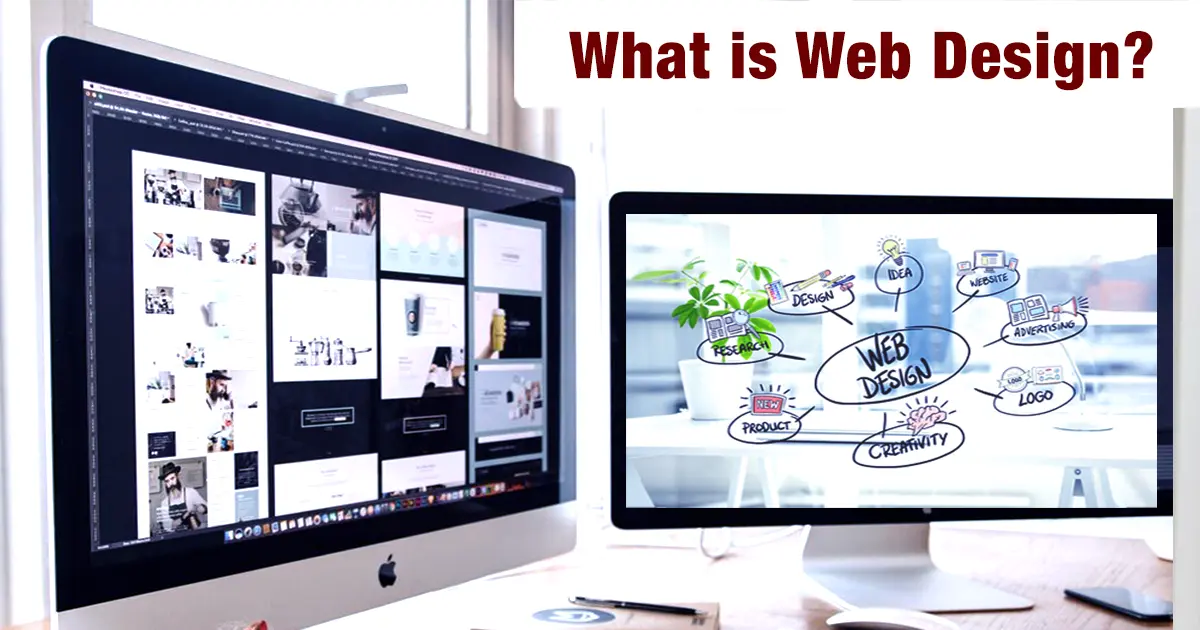
What is Web Design? It is the process of planning and shaping the visual and structural elements of a website, ensuring they are both functional and visually appealing. It covers layout, color choices, typography, imagery, navigation, and the overall arrangement of content so that a page communicates clearly and functions smoothly across devices. Rather than treating a website as a static digital brochure, web design treats it as an interface, a space where a visitor interacts with information and is guided toward a goal, whether that goal is reading an article, making a purchase, or filling out a form.
Web designing is not limited to aesthetics. It also involves understanding how people read on screens, how attention shifts across a page, and how small details, such as spacing between paragraphs or the contrast between text and background, affect comprehension. A page can look visually pleasing and still fail if visitors cannot find what they need. Good web designing balances visual appeal with practical usability, and that balance is what separates professional work from amateur attempts.
What do Web Designers do?
What web designers do on a day-to-day basis varies depending on the project, but the underlying responsibilities remain consistent. A designer typically begins by researching the target audience and the purpose of the site, then moves into wireframing, which involves creating low-fidelity structural layouts to show how content will be arranged on each page. From there, the work shifts toward choosing a visual style, selecting color palettes, and building layouts that work on desktops, tablets, and mobile screens without losing clarity.
Many designers also collaborate closely with developers to make sure that what looks good in a design file can actually be built and will load quickly once it is live. Some web designers focus purely on the visual and user-experience side, while others pick up enough coding knowledge in HTML and CSS to make small adjustments themselves. Testing is another recurring task; designers regularly check how pages behave on different browsers and screen sizes, since a layout that looks fine on one device can break entirely on another.
Elements of Web Design
Every website, regardless of its purpose, is built from a common set of building blocks. Understanding these elements of web design helps explain why certain sites feel intuitive while others feel cluttered or confusing.
- Layout: The arrangement of text, images, and interactive elements on a page. A clear layout guides the eye naturally from one section to the next.
- Color scheme: Colors influence mood and readability. A well-chosen palette reinforces brand identity while keeping text legible against backgrounds.
- Typography: The choice and sizing of fonts affect how easily visitors read content. Poor typography choices can make even well-written text hard to follow.
- Navigation: Menus, buttons, and links that help visitors move through a site. Confusing navigation is one of the most common reasons visitors leave a page.
- Imagery and graphics: Photos, icons, and illustrations that support the content and break up long stretches of text.
- Whitespace: The empty space around elements, which prevents a page from feeling overcrowded and helps important content stand out.
- Responsiveness: The ability of a design to adjust automatically to different screen sizes, from large monitors to small phones.
These elements of web design work together rather than in isolation. A strong color scheme paired with poor typography, for instance, can still result in a page that feels difficult to read, which shows why designers need to consider each component in relation to the others.
Use of Web Design
The practical use of web design extends across nearly every sector that maintains an online presence. Businesses rely on it to present products and services clearly, build credibility, and convert visitors into customers. Educational institutions use it to help prospective students find course information, admission details, and campus resources without frustration. Government bodies apply web design principles to make public services and information accessible to a wide range of users, including those with disabities who depend on accessible design standards.
Beyond these broad categories, web design also supports specific functions such as e-commerce checkout flows, portfolio showcases for creative professionals, and content platforms where readability and pacing directly affect how long a visitor stays engaged. In each of these cases, design choices are not decorative afterthoughts; they directly shape whether the website achieves its intended purpose.
Types of Web Design
Not all websites are built the same way, and the approach a designer takes often depends on the goals of the project and the technical resources available. The following are some of the most common types of Web Design in practice today.
Technical Approaches
| Type |
Description |
| Static Web Design |
Pages with fixed content that does not change unless manually edited in the code. Suitable for simple informational sites. |
| Dynamic Web Design |
Pages that pull content from a database and can update automatically, commonly used for blogs, news sites, and e-commerce platforms. |
| Responsive Web Design |
Layouts that adjust automatically to fit different screen sizes, from desktops to smartphones, using flexible grids and CSS. |
| Adaptive Web Design |
Design that detects the device being used and serves a specific fixed layout suited to that device, rather than resizing fluidly. |
| Single-Page Web Design |
A site built around a single page where content is presented dynamically as users scroll or interact with the page, often used for portfolios and product landing pages. |
Design Styles
| Type |
Description |
| Flat Web Design |
A minimalist visual style that avoids shadows, gradients, and textures in favor of clean lines, simple shapes, and a two-dimensional appearance. |
| Material Design |
A visual design system developed by Google that uses principles such as depth, motion, grids, and responsive layouts to create consistent digital interfaces. |
| Minimalist Web Design |
A visual style that emphasizes simplicity by using limited elements, clear layouts, ample whitespace, and focused visual hierarchy. |
Each of these types of Web Design suits different scenarios. A small business with limited content might do well with a static site, while a growing e-commerce store almost always needs dynamic, responsive design to handle changing inventory and varied devices.
Importance of Web Design
The importance of Web Design becomes clear when considering how visitors actually behave online. Research on user attention consistently shows that people form judgments about a website within seconds of arrival, and a large part of that judgment rests on visual design rather than content. A poorly designed site, even one with excellent information, risks losing visitors before they read a single sentence.
Good design also affects functional outcomes that matter to businesses and institutions alike. Search engines factor in page load speed and mobile usability when ranking sites, both of which are directly influenced by design decisions. Accessibility, too, falls under the Importance of Web Design; a site built with proper contrast ratios, readable fonts, and keyboard-friendly navigation reaches a wider audience, including users with visual or motor impairments. In short, design is not a finishing touch applied after the real work is done. It is part of how a website functions, communicates, and performs.
Web Design vs Web Development
Web Design vs Web Development is a comparison that often causes confusion, since the two fields overlap but involve distinct skill sets. Web design focuses on how a website looks and feels, covering layout, color, typography, and user experience. Web development, on the other hand, focuses on how a website works, involving the coding and technical implementation that makes designs functional, interactive, and connected to databases or external systems.
| Aspect |
Web Design |
Web Development |
| Focus |
Visual layout, user experience, and aesthetics |
Functionality, coding, and backend logic |
| Tools |
Figma, Sketch, Photoshop |
HTML, CSS, JavaScript, and backend frameworks |
| Output |
Wireframes, mockups, and style guides |
Working websites and applications |
| Skill Emphasis |
Visual communication and usability |
Programming and problem-solving |
Many professionals build careers that blend both areas, particularly in smaller teams where a single person may design a layout and then code it. Larger organizations tend to separate the two roles more clearly, with designers handing off finished mockups to developers who bring them to life. Website performance, including factors such as page load speed and mobile usability, can also depend on both design decisions and technical implementation.
Learning Web Design
For students interested in building a career in this field, formal education can provide structured exposure to both the creative and technical sides of the discipline. At JAIN (Deemed-to-be University), programs related to design and computer applications are structured to introduce students to visual communication principles alongside practical tools used in the industry. Coursework typically covers layout principles, user interface design, and foundational coding concepts, giving students a working understanding of how design and development intersect.
Beyond classroom learning, project-based assignments allow students to build portfolios that reflect real design problems rather than purely theoretical exercises. Access to design software and collaborative project work also helps students understand how design teams operate in professional settings, which is often different from working independently on personal projects. This kind of structured exposure can be useful for students who are still deciding whether to specialize in design, development, or a combination of both.
Conclusion
Web design shapes far more than appearance. It determines whether a visitor can find information quickly, whether a page loads properly on their device, and whether the overall experience feels trustworthy enough to act on. As more services and institutions move their primary interactions online, the ability to design clear, functional, and accessible websites remains a practical skill with steady relevance across industries.
Choosing a path in web design starts with understanding the balance between creativity and technical skill that the field demands.
Reviewing course structures and speaking with academic advisors can help clarify which program aligns best with individual interests and career goals.
FAQs
Q1. What qualifications do you need to be a web designer?
A1. Most web designers hold a degree or diploma in fields such as graphic design, computer applications, or digital media, though some enter the field through certificate courses and self-taught portfolios. Employers generally look for a combination of formal training and demonstrable design skills, along with familiarity with tools such as Figma or Adobe XD.
Q2. Is web design hard?
A2. Web design has a learning curve, particularly around understanding user behavior and balancing visual choices with functionality, but it is approachable for beginners who start with basic layout and color principles before moving into more technical areas like responsive design.
Q3. Do I need coding skills for web design?
A3. Basic knowledge of HTML and CSS is helpful and increasingly expected, since it allows designers to understand how their layouts will be built and to communicate effectively with developers, even if deep programming expertise is not required for design-focused roles.
Q4. What are web safe fonts in web design?
A4. Web safe fonts are typefaces that display consistently across most browsers and operating systems without needing to be downloaded, such as Arial, Georgia, and Verdana. Designers often pair these with web fonts loaded from services like Google Fonts to expand style options while maintaining reliability.
Q5. What does the web design process look like?
A5. The process typically begins with research into the target audience and site goals, followed by wireframing, visual design, and prototyping. Once a design is approved, it moves into development, testing across devices, and final revisions before the site goes live.
Q6. What skills are required for a web designer?
A6. Core skills include a strong sense of visual composition, understanding of typography and color theory, familiarity with design software, and a working knowledge of user experience principles. Basic coding literacy and the ability to adapt designs for different screen sizes are also increasingly important.